
WooCommerce T-Shirt Fulfilment: Why The Free Cart Integration Wins

Most print-on-demand starts with the printer. Which supplier, which garment, screen print or DTG? That is the wrong end of the problem, because the printer is rarely what kills a merch line. The shopping cart is.
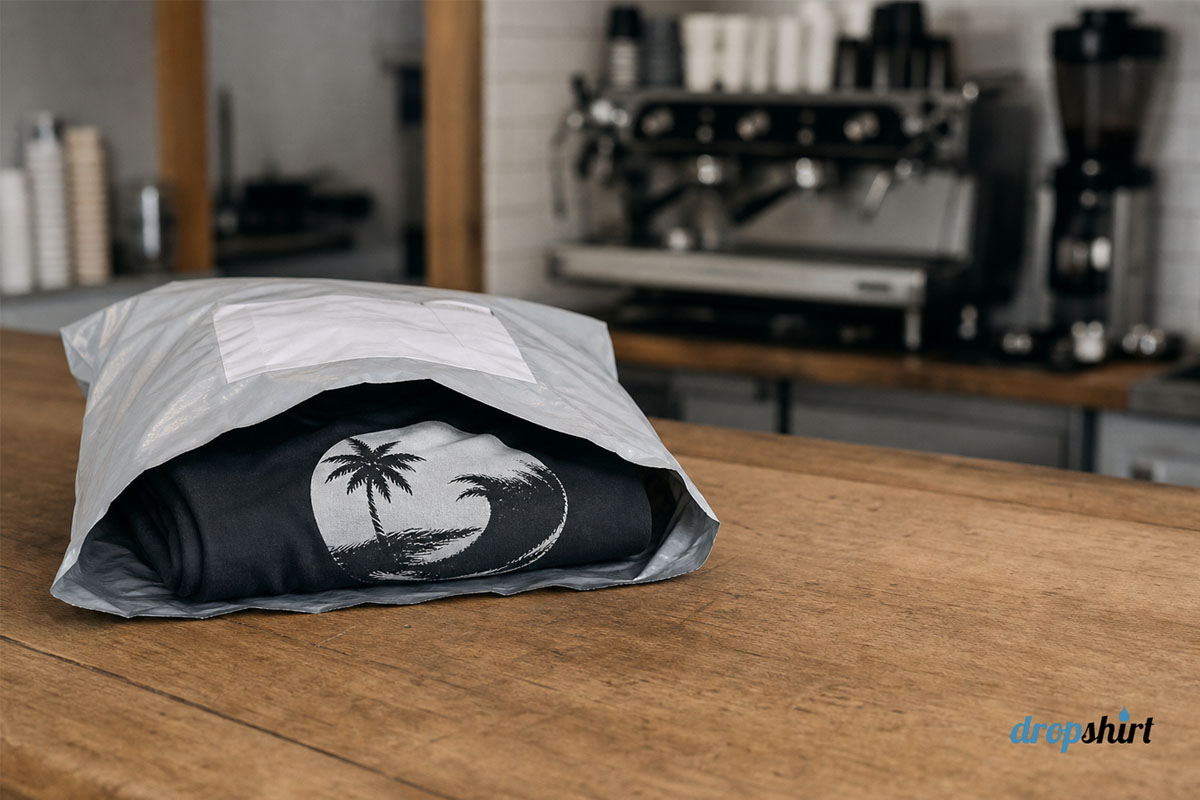
Merch attached to an existing business does not go up and to the right. It spikes when you launch, settles, and then trickles. Four shirts in March, eleven in December, two in the middle of winter.
That trickle is the actual business, and over five years it is worth real money. Whether you ever collect that money comes down to something unglamorous: what your store costs to keep open when you only sell two shirts a month.
That’s the case for running a t-shirt fulfilment business through WooCommerce. It’s worth understanding before you install anything.
The Four-T-Shirts-a-Month Problem
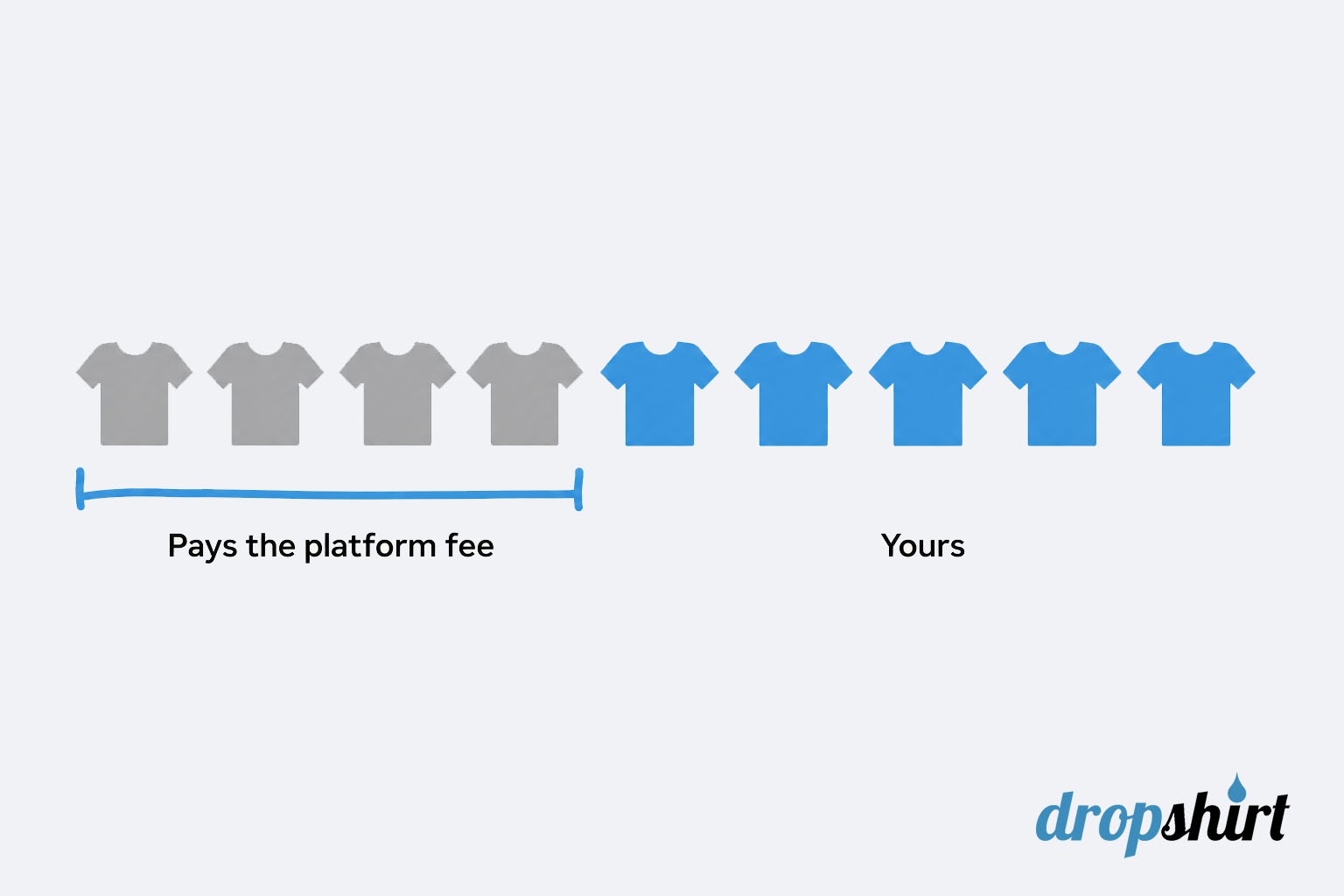
You do the arithmetic. A Shopify Basic subscription in Australia is $56 a month billed monthly, or $42 if you commit to a year, both before GST. Billed monthly, that’s AU$672 a year leaving your account – whether or not anybody buys something from you.
Say you clear $15 on a printed tee after wholesale cost and postage. On a monthly Shopify plan, you need 4 sales a month before you earn a cent. Not four sales to make it worthwhile. Four sales to break even on the software.
A merch line rarely fails because the fifth shirt was unprofitable. It fails because the first four were unpaid work.
In one year, the gap is not dramatic. Across five years, on a line averaging six or seven shirts a month, it is the difference between a business you keep and one you quietly switch off and forget to mention.
Faders, Tricklers, And What The Cart Has To Do With It
Every merch seller we deal with lands in one of three states.
- Tyre kickers open an account and never trade. They have a design and no audience. Nothing on the supply side fixes that, and the platform question never comes up for them, because they never reach a first order.
- Faders launch well and then flatten out. The design was tied to a moment, or the audience was saturated, or the store was one drop with no follow-up. Sales go from a spike to nothing inside a year.
- Tricklers launch, settle, and keep selling small volumes indefinitely. They never see launch week again. They also never stop. That is where the durable money sits, and there is almost always a physical audience underneath it: the regulars, the members, the enthusiast community that already buys the core product.
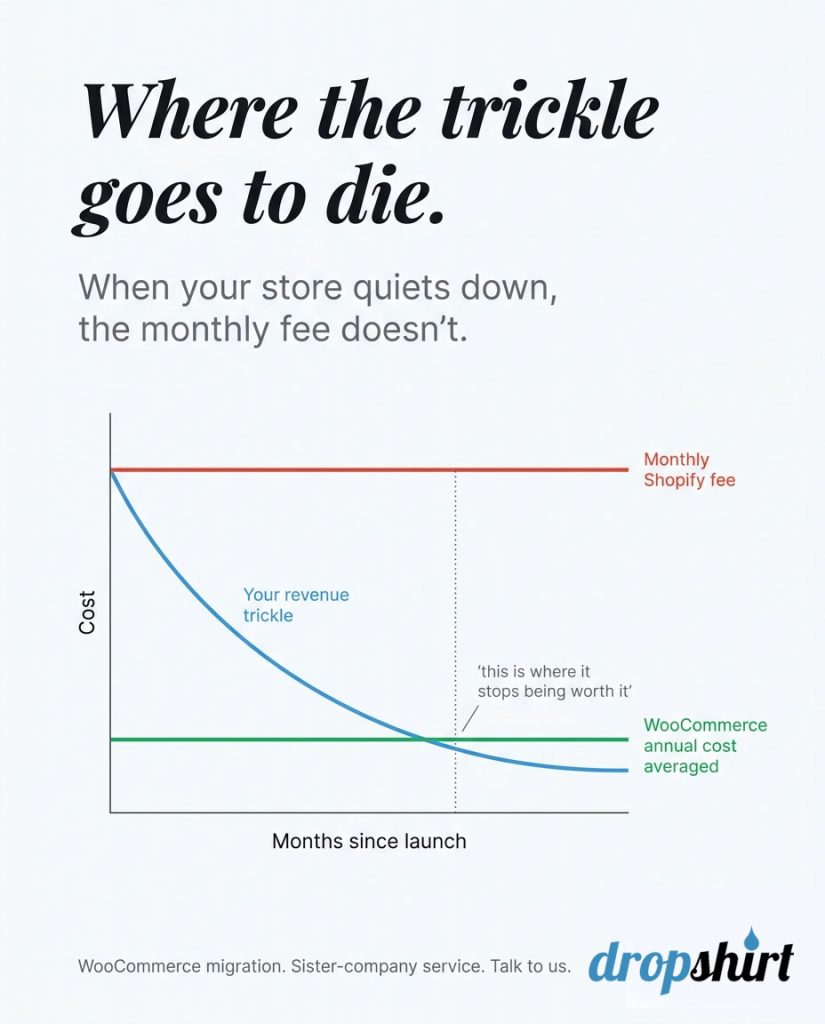
Here is the part the comparison articles skip. Your platform does not decide whether you spike. It decides whether the trickle is worth keeping.
A trickler on a subscription cart looks at a $56 line item against $90 of merch profit and starts asking whether the admin is worth it.
A trickler on WooCommerce never has that conversation, because the merch line costs nothing to leave switched on. Same seller, same designs, same audience, completely different survival rate.
Your printed t-shirt is $2 more expensive than your competition – we are going with them istead.
EX Dropshirt customer
If $2 is the difference between making money and losing money, you should not be in this business. But $672 a year of fixed cost against a trickle is not $2. It is the trickle.
What Happens After Someone Clicks Buy
DropShirt maintains its own WooCommerce plugin, which matters more than it sounds. A maintained WooCommerce plugin is rare among printers dropshipping t-shirts in Australia.
The global platforms all integrate with WooCommerce and print in the US, Europe or Asia. Local printers mostly want an emailed spreadsheet.
A plugin plus Australian production is an unusual combination, and it is the reason this page exists.

The plugin adds hidden fields to your WooCommerce products, invisible to your customers. When an order comes in on an enabled product, those fields tell our production floor what to print, on what, and at what agreed price.
The order then appears in your DropShirt dashboard waiting for approval. Once you approve it, it goes to a person standing at a printing workstation, not into a queue that gets forwarded somewhere else.
Before You Connect Anything
You need three things in place.
- A WordPress site with WooCommerce installed, which for most readers already exists and makes this an afternoon of product setup rather than a rebuild.
- An approved wholesale account with our production house, which is a genuine step rather than a formality, because we are checking there is a trading business behind the application.
- And a set of dashboard credentials, which arrive with the account approval.
The Four Fields On Each Product
For every product you want fulfilled, the plugin asks for four things.
- Whether drop shipping is enabled. We only process orders on products you have switched on, so the rest of your catalogue stays untouched.
- Print-ready artwork, meaning the file we print from. This is the one that trips people up, and it is covered further down.
- The garment style the design goes on.
- The agreed wholesale price for that product.
Fill those in, mark the product as enabled, and it is connected. Nothing else to configure.
There is a useful side effect of building it this way. The plugin is only needed for fulfilment, not for selling. You can list a product, make a sale, and set up the print fields afterwards.
It is not the order of operations we would recommend, but it does mean a launch never sits blocked waiting on setup.
Approving The Order
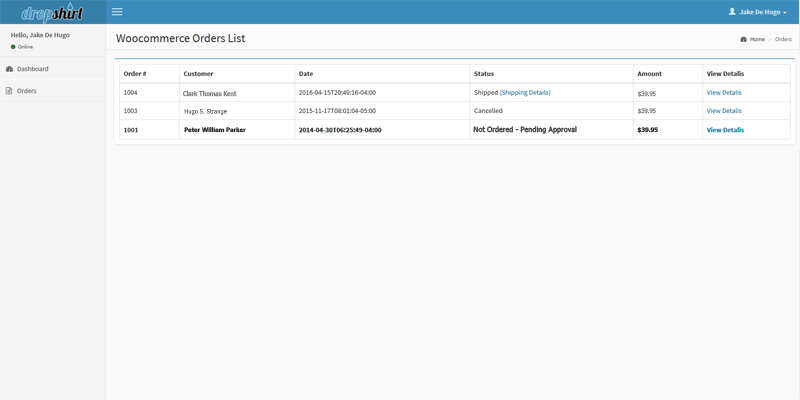
The dashboard lists orders on enabled products sitting in WooCommerce’s Processing status.
It pulls the delivery address, product name and image, size, colour and your custom print fields, which covers everything the floor needs.
You approve with one click, the order moves to production, and you follow it through to delivery tracking.
Printed in Australia Versus Printed Offshore
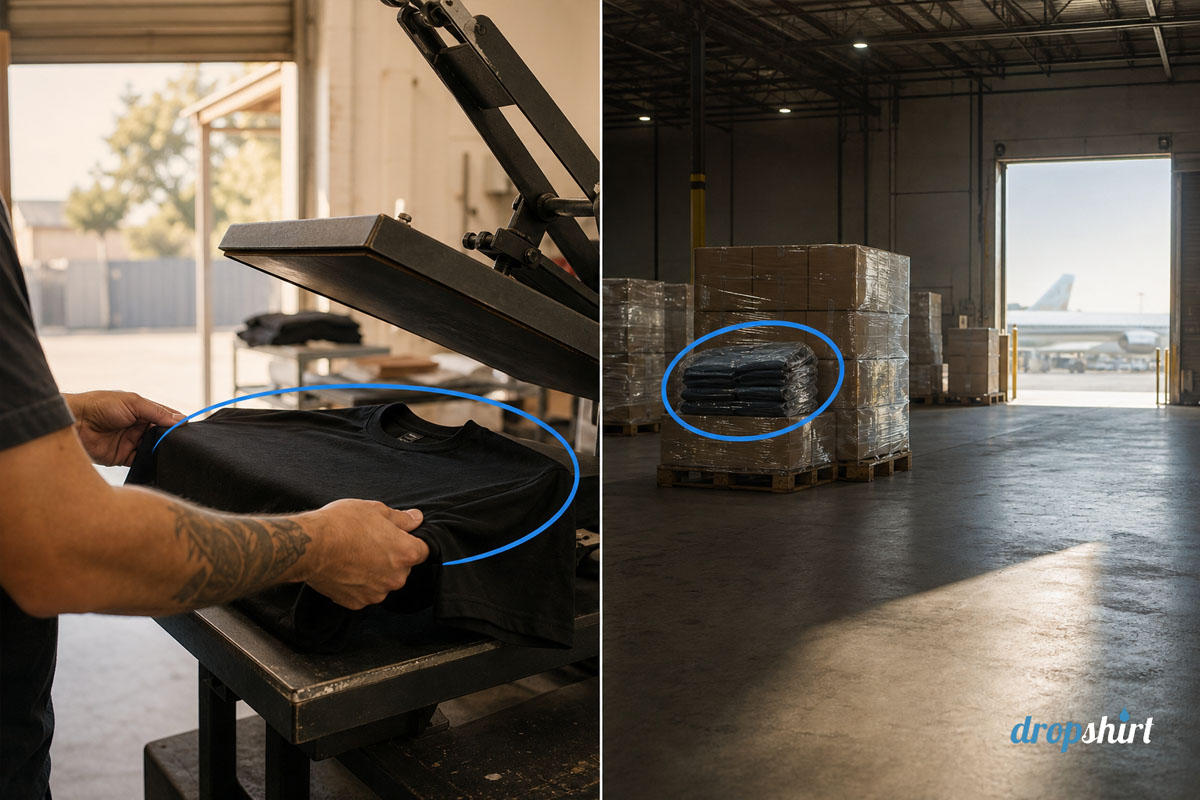
This is the difference that turns up in your reviews – rather than your accounts.
Offshore print-on-demand products shipped into Australia may have a production time of roughly two to five business days with an additional international transit time of ten to twenty days.
At the bad end, that’s close to a month between your customer paying and their doorstep. At the good end, it’s a fortnight.
Your customer neither knows nor cares that a supplier in another hemisphere is involved. They bought a shirt from your cafe, and it has been three weeks.
Printing in Australia and posting domestically removes the international leg. The garment goes into the local post network the day it comes off the press.
The other half of this is legal rather than logistical. Under Australian Consumer Law, the guarantees on that shirt belong to whoever sold it, and that is you. If the print cracks or the sizing is wrong, your customer comes to you, and you are entitled to a remedy from your supplier.
Working that out with a printer in the same country and time zone is a very different afternoon from working it out through an offshore support queue, with a replacement that could take another three weeks to receive.
Garment choice belongs in the same conversation. We print on AS Colour and Gildan blanks rather than the cheapest body available, because a business putting its own name on a tee is not really selling a tee. It is lending out its brand.
Where People Get Stuck
Three things account for most first-order trouble.
- The order does not show in the dashboard. Almost always one of two causes: the product was never marked enabled, or the WooCommerce order is not in Processing status. Orders sitting in On Hold or Pending Payment stay invisible to production on purpose – because we should not be printing something nobody has paid for.
- The artwork is not print-ready. A logo pulled off your own website is usually 72 dpi and a few hundred pixels wide, which looks fine on a screen and prints like a photocopy. Print-ready means high resolution at the size it will actually be printed, with a transparent background wherever the garment should show through. If the only copy of your logo you can find is the one on your website, go and get the original file from whoever designed it before you enable the product.
- Nobody ordered a sample. Send one shirt to yourself before you sell one to a customer. Check the print position, the fit, the colour under normal light, and what happens after a wash. It costs one garment. Most merch lines die at their first bad review – it died because nobody spent the time to review the product.
Who This Integration Is Actually For
Honestly, it works best when people already want your brand on a shirt.
A cafe with regulars. A gym or a club with members. A niche product brand with an enthusiast community behind it or an established online store bolting apparel onto a range that already sells.
In all of those, the audience exists before the merch does, the volume is modest and ongoing, and a store that costs nothing to keep open is the right container for exactly that type of business.
It works badly if you have a design and no audience. Print-on-demand removes inventory risk, which is a real risk worth removing, but it does not create demand, and no platform ever will.
If your plan is for the t-shirt design to find the customers, it won’t. Even the best design will NOT find the customers for you.
Start With One Product And A Sample
Do not migrate an entire catalogue. Pick the single design your audience is most likely to buy, set that one product up, order yourself a sample, and watch what the reorder pattern does over a couple of months.
If it trickles, you have found the thing worth keeping, and WooCommerce will let you keep it for as long as it keeps trickling.
Want to learn more about the WooCommerce drop shipping application? Please read the integration documentation below.
